
Plug In. Wipe Out.
A portable USB solution for secure data wiping without internet or extra setup.
No Appliance Needed
Runs entirely from the USB
Works Offline
No internet needed to wipe
No Login Required
Plug in, boot and wipe data
Same Portal & Credits
No additional training
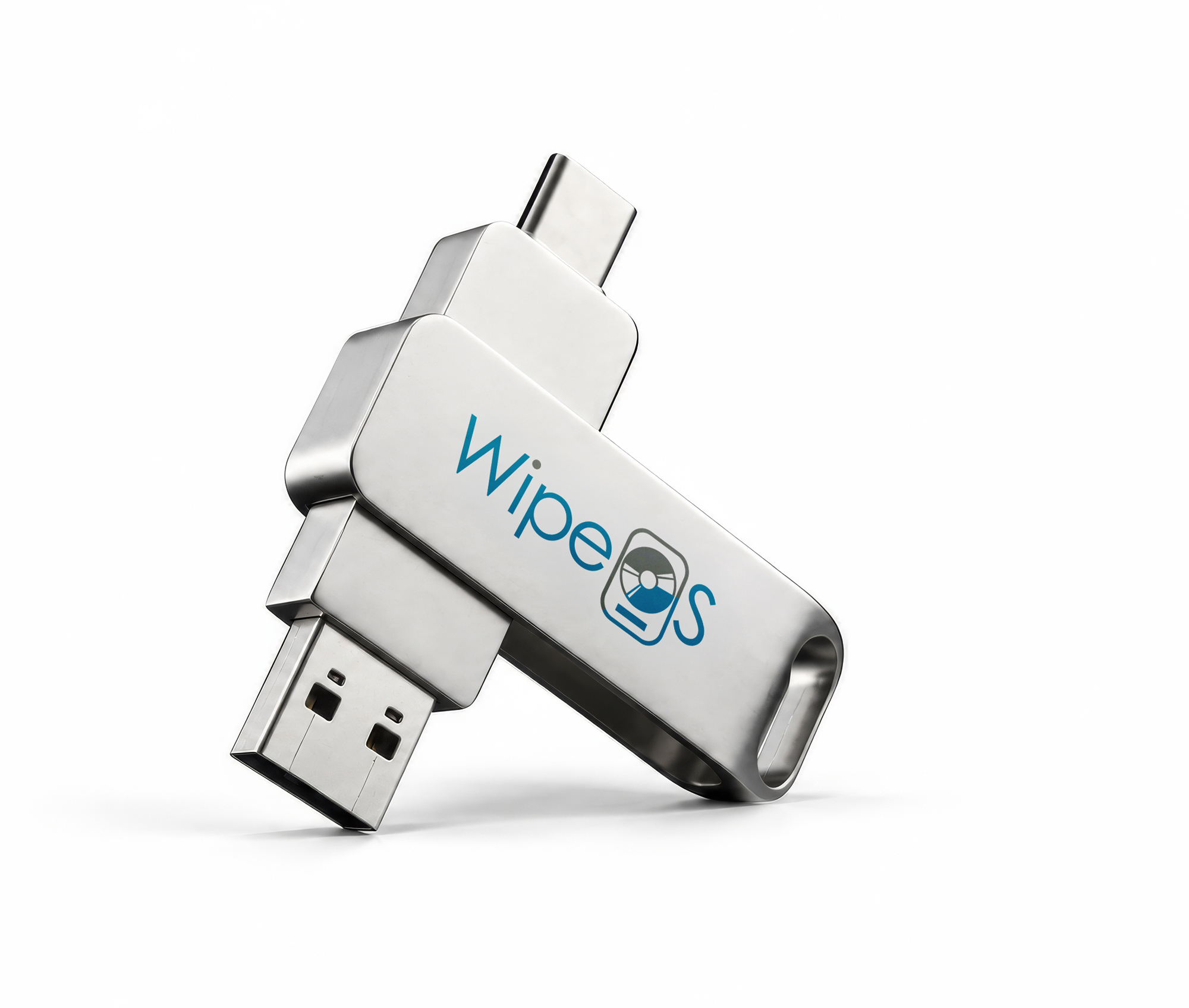
Built for Laptops and Desktops
Supported drives and how reports sync to the WipeOS portal
Supports
Internal drives
SATA, SAS, NVMe, eMMC
Windows 11 machines
For log retrieval and upload
Limitations
Servers
No RAID-breaking capability (Raidbreak), so RAID arrays can’t be broken down for wiping.
Apple T2-equipped Macs
No driver support for the T2 chip.
Explore The WipeOS Appliance →
Reporting & Portal
Saved to the USB
Wipe logs are stored on the drive automatically.
Direct upload
Connected via Ethernet? Logs go straight to the portal
Auditable Reports
Reports look and function exactly like appliance-wipe reports.
Admin-managed image
Admins configure the bootable ISO on the USB through the portal
Capabilities
Secure, offline data erasure,
right out of the box
| Erases Internal Drives | SATA, SAS, NVMe, eMMC |
|---|---|
| Runs Standalone | No WipeOS appliance required |
| Wipe Scope | Full drives only — cannot target individual files or folders |
| Drive Selection | User selects which connected drive(s) to wipe |
| Wipe Method Selection | User chooses from multiple wipe methods per drive |
| Job Tracking Fields | Account Number, Job Number, and Notes — entered as free text at runtime |
| Interface | Navigable by keyboard (Tab key) or mouse — no login or password required |
| Clock Check | Prompts users to correct the system time so reports stay accurate |
Plans & Pricing
Starter
$250
one-time purchase
100 credits
$2.50 / credit
1 USB stick
Pro
$1,000
one-time purchase
500 credits
$2.00 / credit
5 USB sticks
Elite
$1800
one-time purchase
1,000 credits
$1.80 / credit
10 USB stick
From Plug-In to Portal
Disable Secure Boot in the target machine’s BIOS.
- Boot
Step 1: Plug In
Insert the USB into the target device. No network, no login.
Step 2: Time Check
If the clock is off, you’re prompted to fix it first.
- Configure
Step 3: Select Drive(s)
Pick internal drive(s) from the on-screen list.
Step 4: Wipe Method
Choose an erasure method for each drive.
Step 5: Job Info
Enter Account Number, Job Number, and Notes.
- Erase · offline
Step 6: Wipe Runs
Fully offline. No internet or network needed.
- Report
Step 7: Get Results
Logs save to the USB, ready for the portal.
1 Wipe = 1 Credit
WipeOS Lite uses the same credit system as the appliance.
Contact Us
Fill out the form and we’ll help you find the right solution for your business